A cursor that glides
The cursor moves smoothly as you type and jump, or smears like ink. Or it just jumps, if you prefer.
An elegant terminal and multiplexer for macOS, written in Swift.
overview
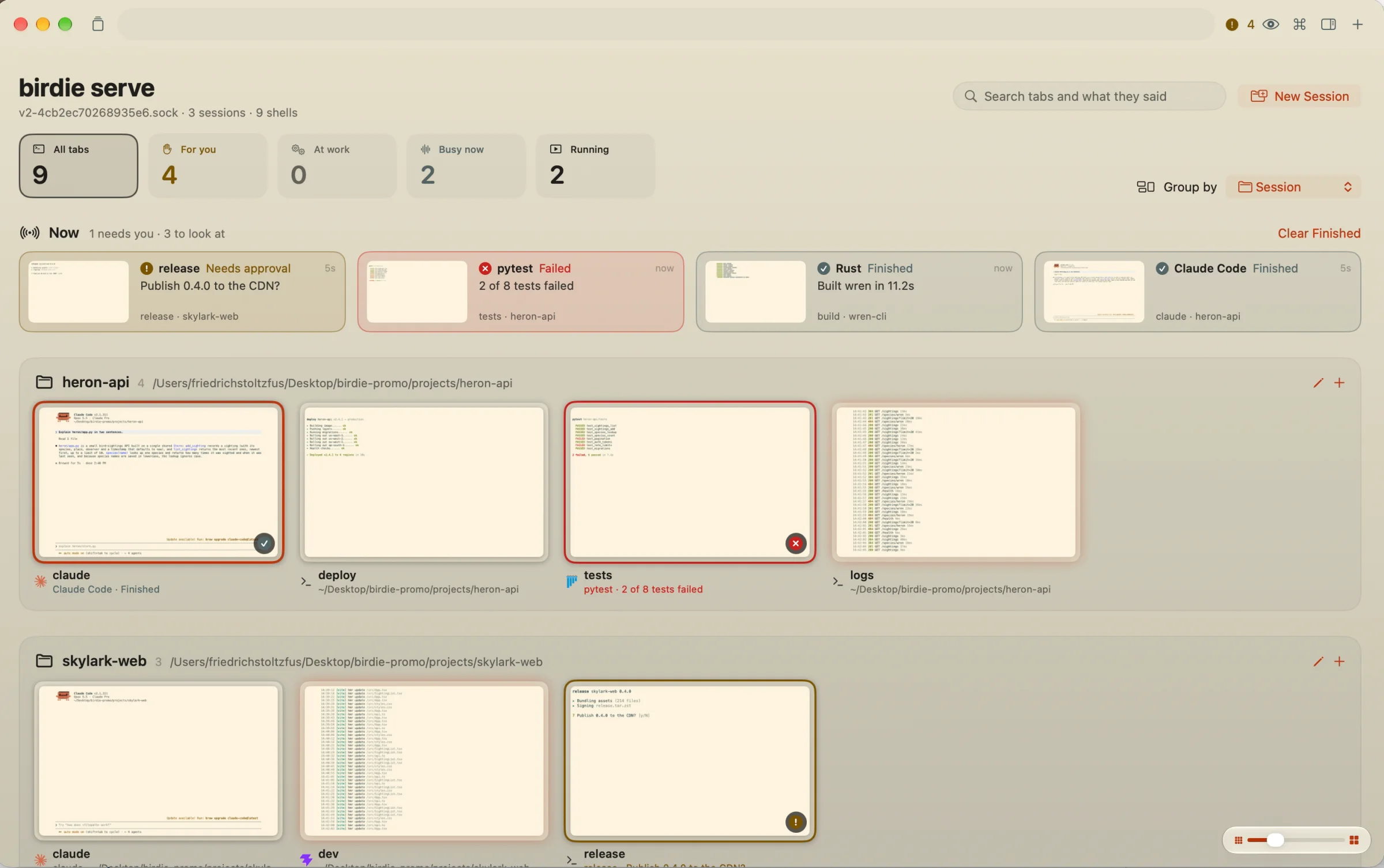
Each tab is a live picture, grouped by project. The Now board on top lists what needs you first: a prompt waiting for an answer, a run that failed, an agent that finished.
Space peeks at a tab without leaving the overview.
status
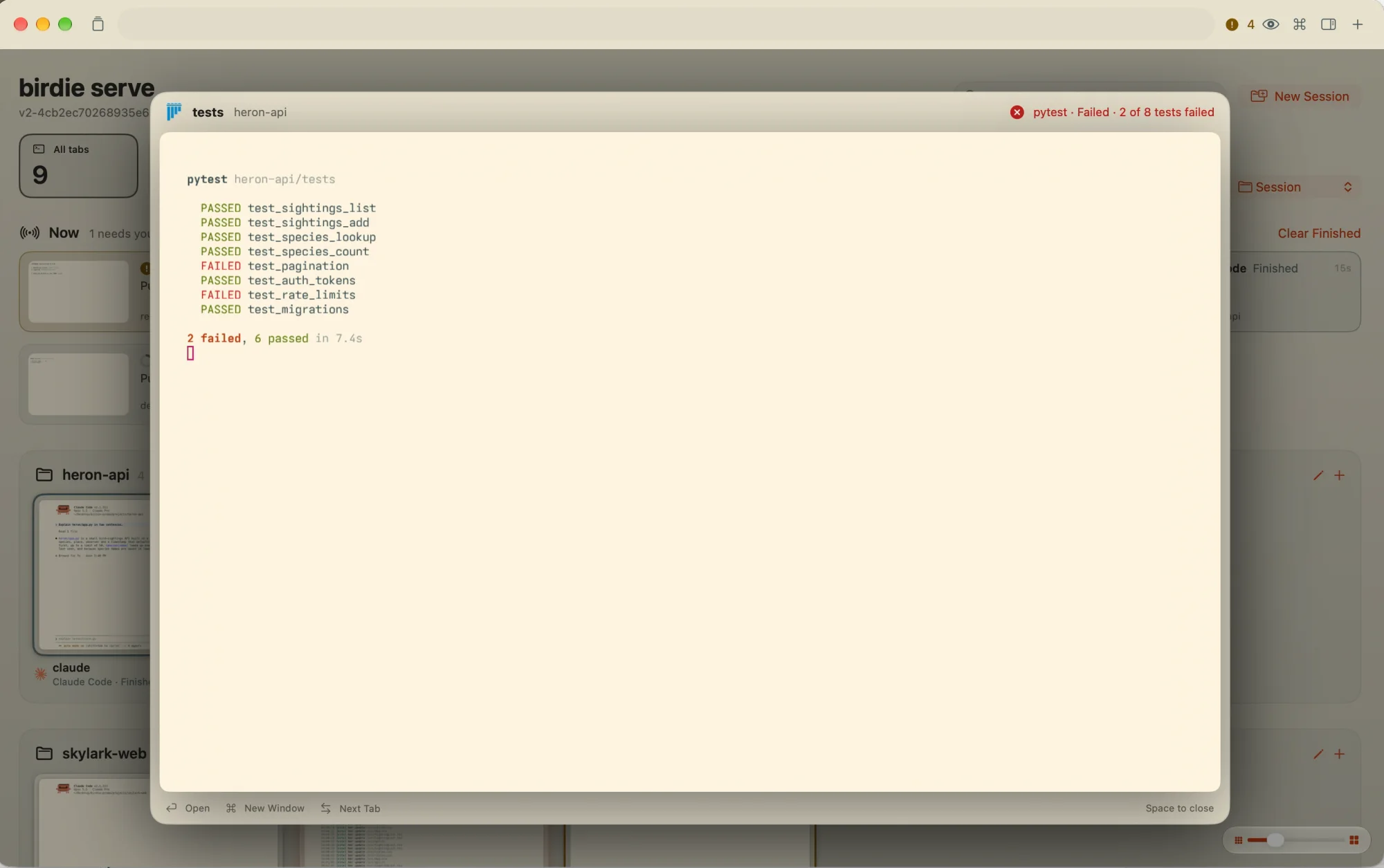
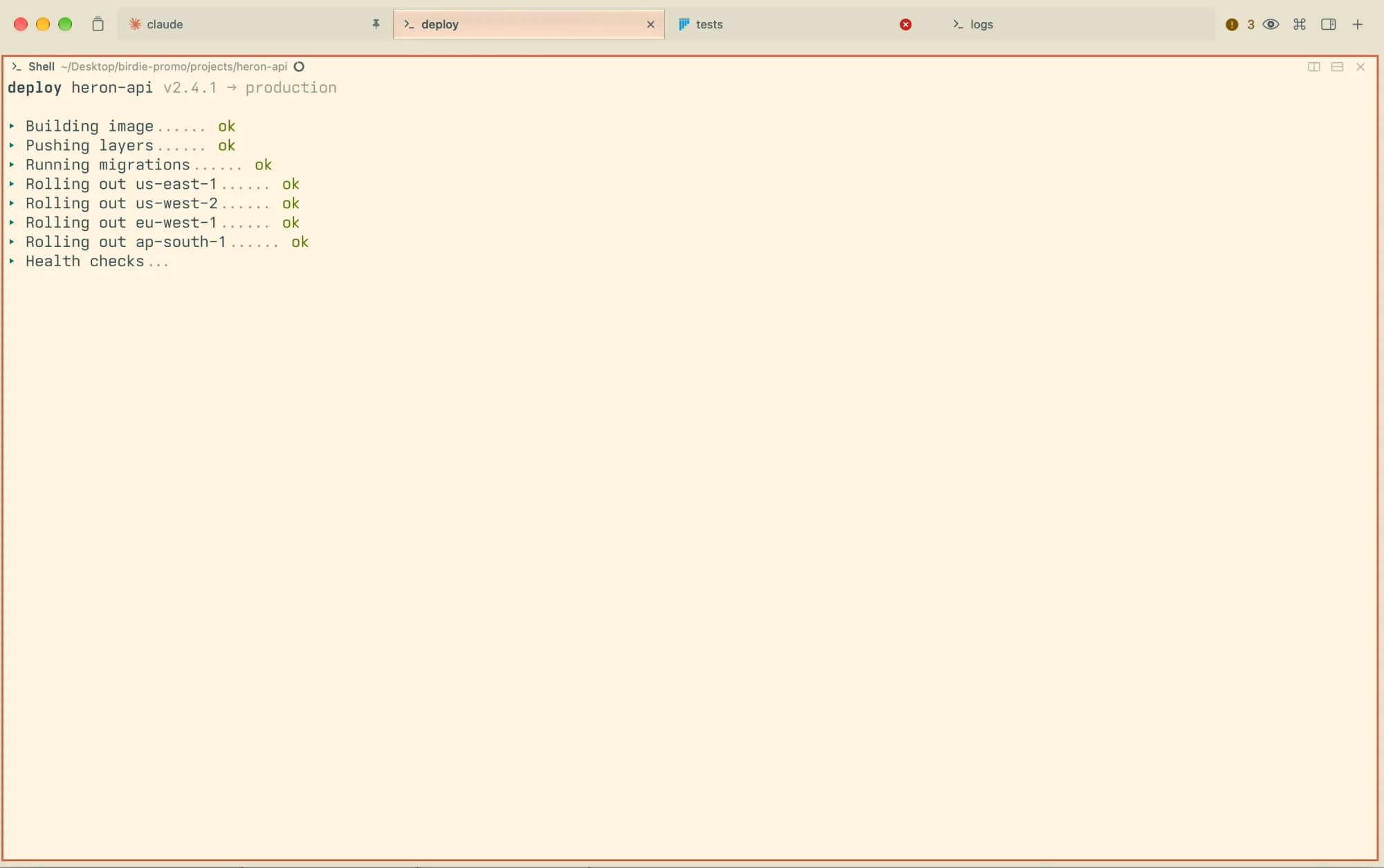
Programs say what they’re doing with OSC 7501, and Birdie shows it wherever the tab appears: a ring that fills with progress, a check when it’s done, a cross when it failed, a mark when it’s waiting on you.
Coding agents report on their own. Any script can with one escape sequence.
tabs
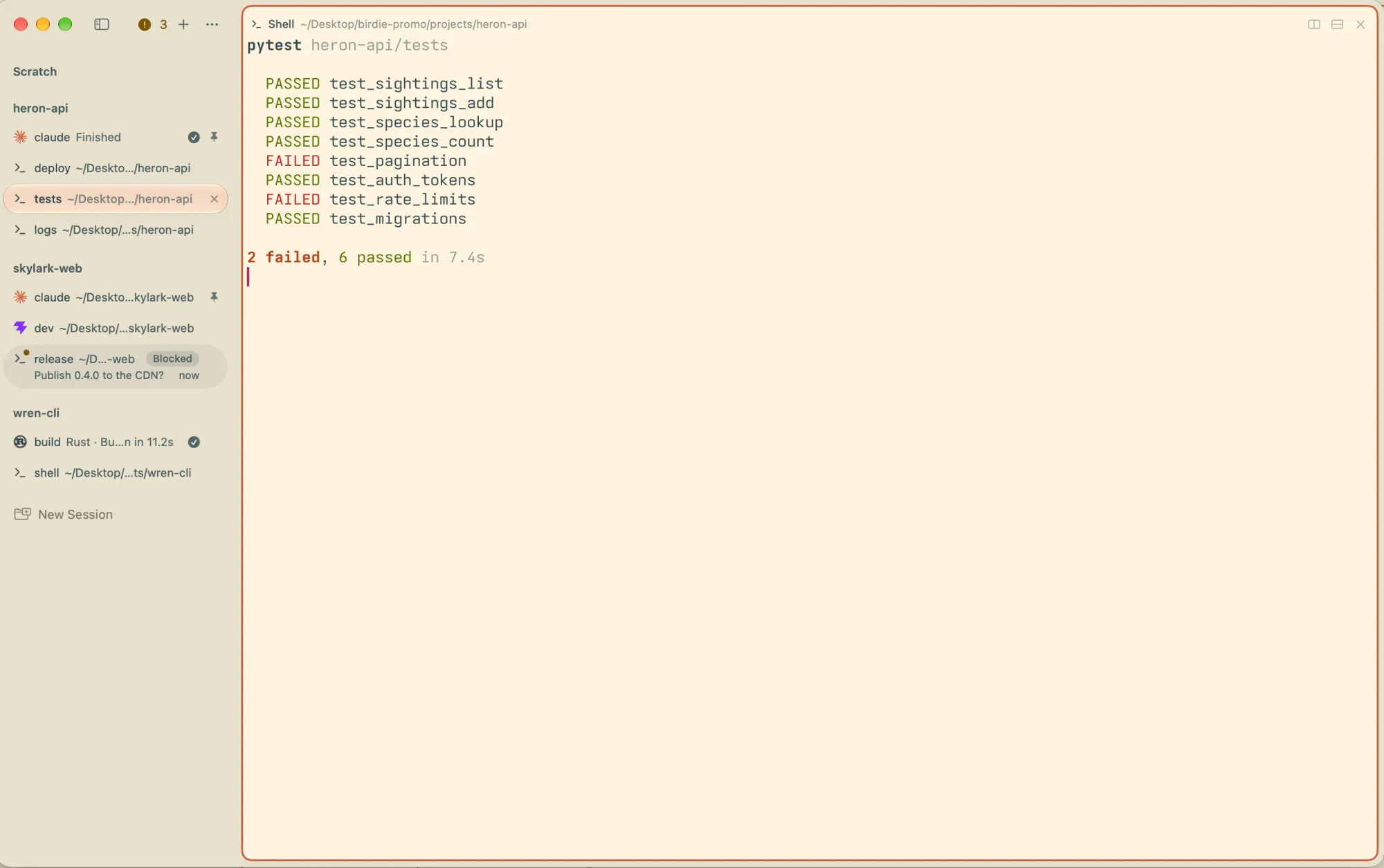
Keep tabs in the title bar, or move them into a sidebar grouped by project, each with its program’s icon and status.
sessions
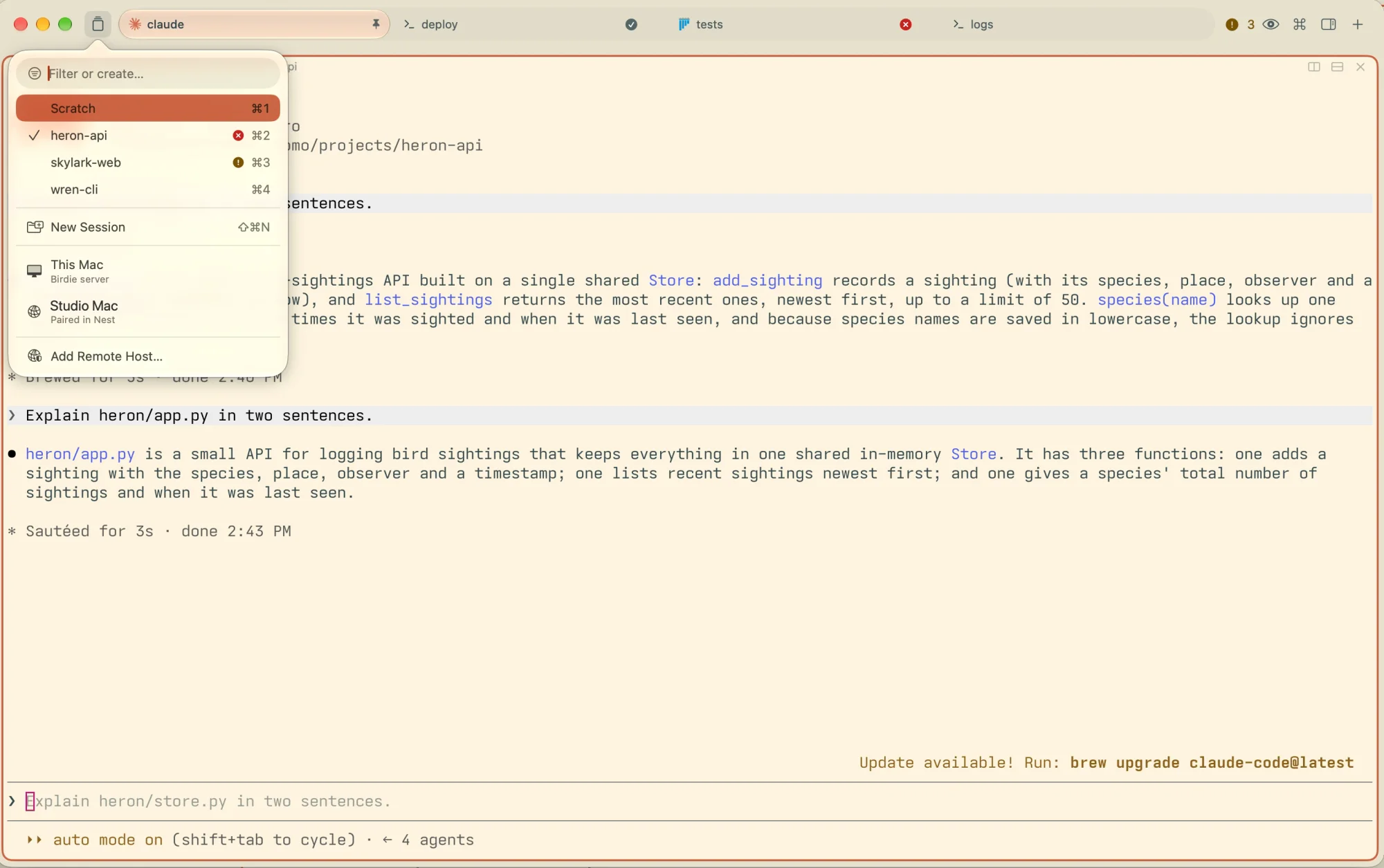
Each project gets its own tabs and folder. ⌘K switches between them, and the shells keep running whether you look or not.
Pin the tabs that matter. A pinned tab won’t close by accident; Birdie asks first and offers to put it to sleep.
splits
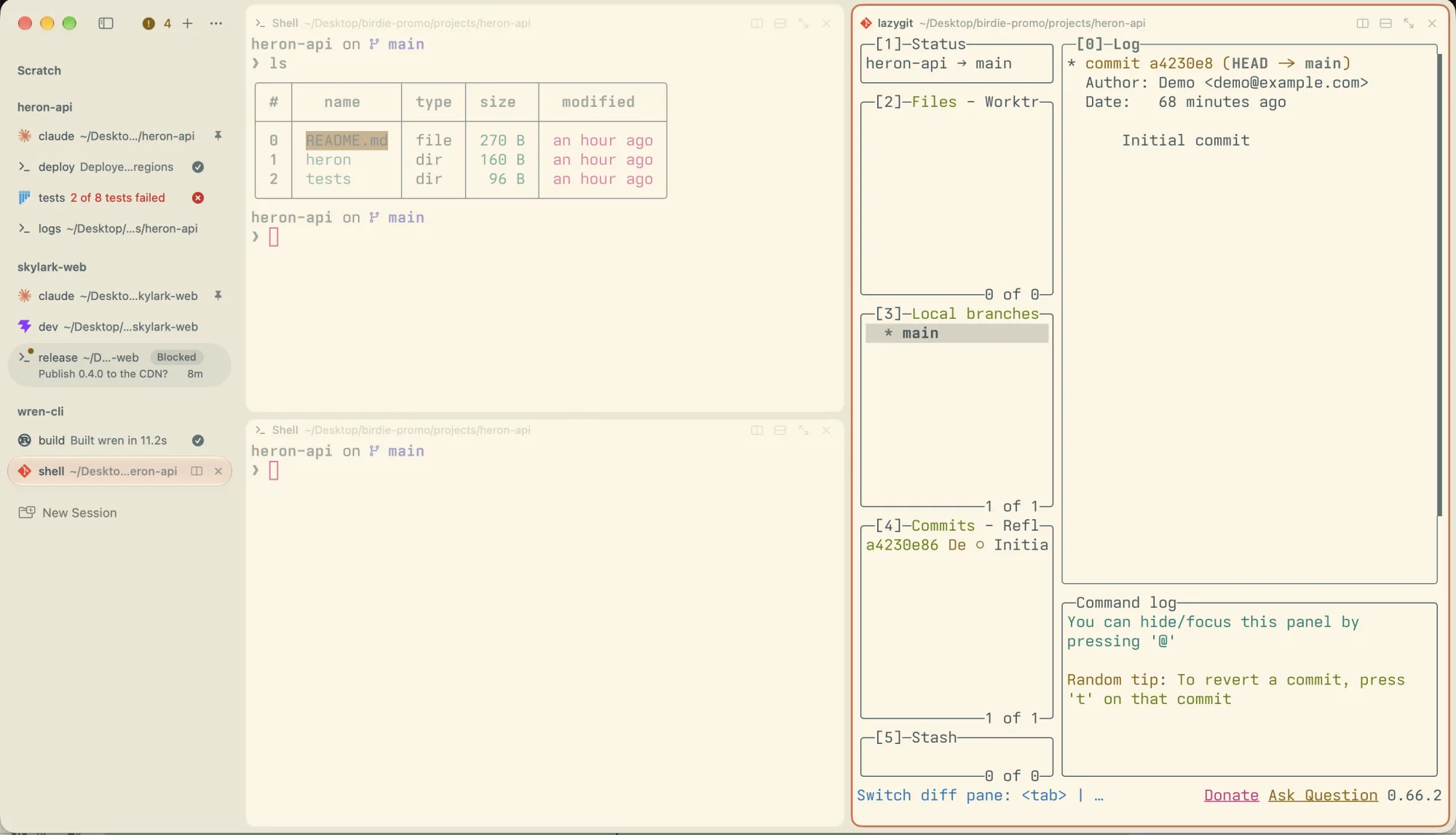
Split right or down, and new panes slide open. Drag a pane to rearrange, or drop a tab beside one to make a split.
⌘D split right · ⇧⌘D split down · ⌘] next pane
palette
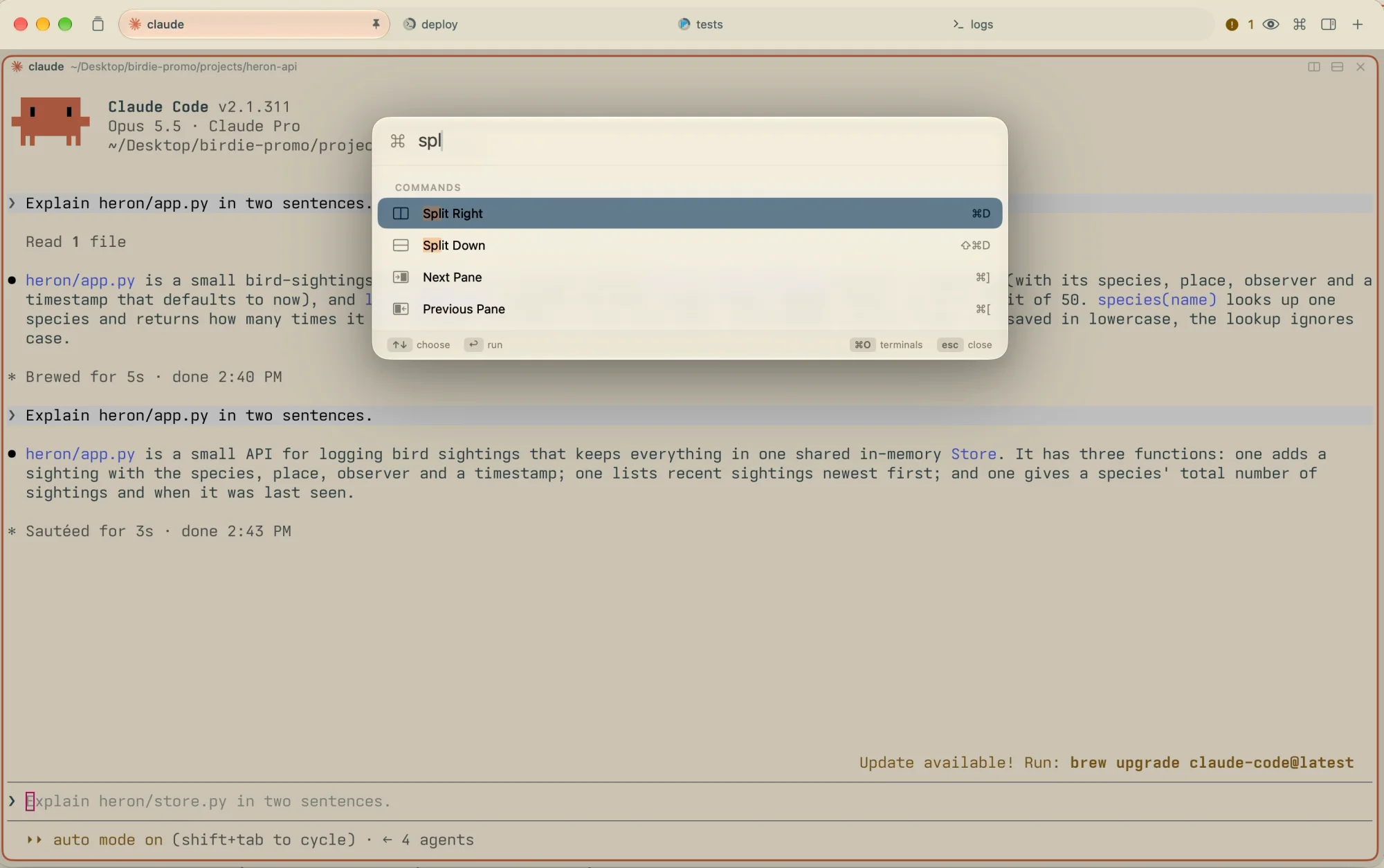
⌘P runs any command. ⌘O searches every tab’s name and everything every terminal has printed. ⌘F finds in the one in front of you.
agents
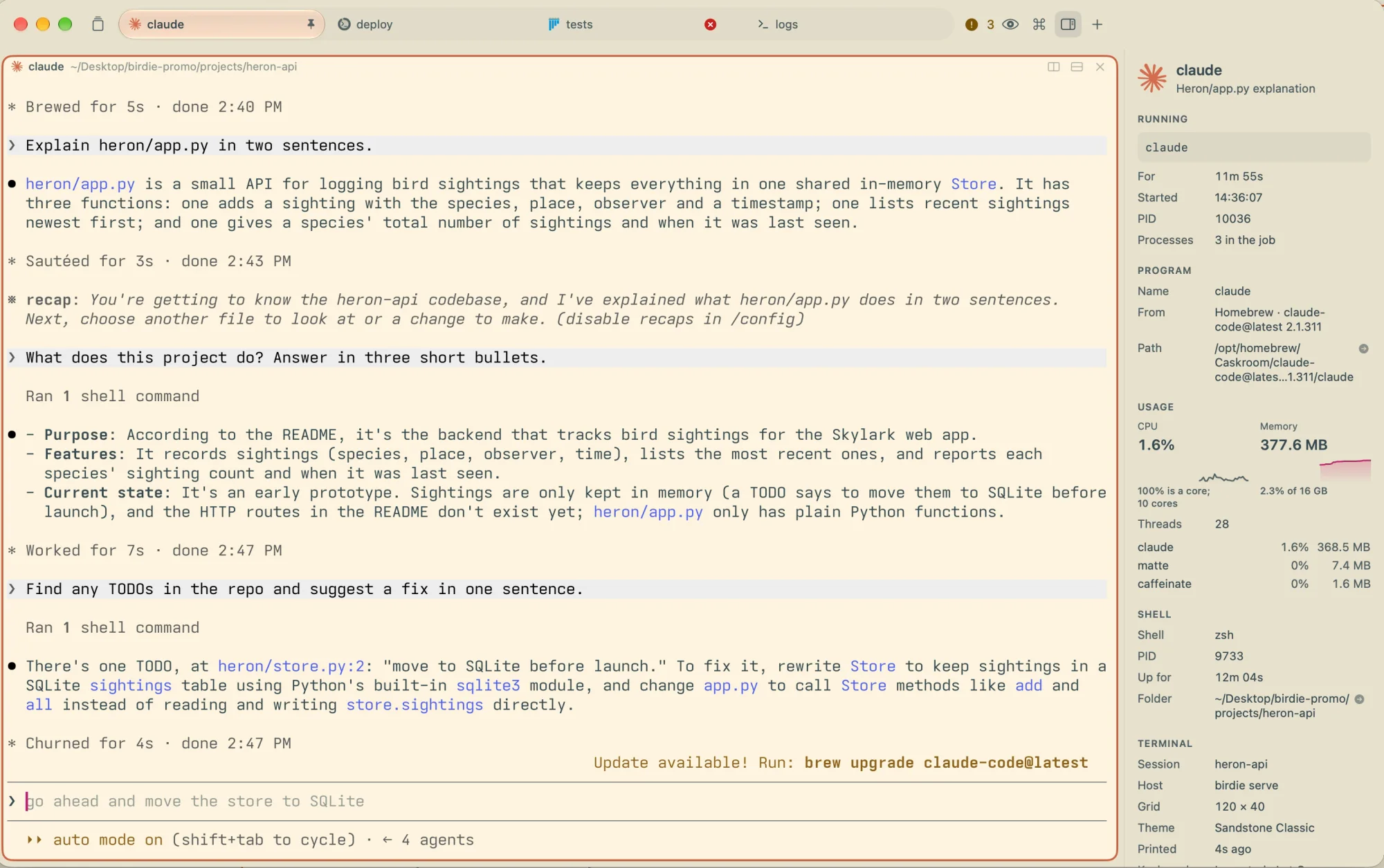
Run agents in any tab and Birdie keeps score: working, waiting on you, done. The inspector (⌥⌘I) shows what runs in the focused pane, how long it has run, its processes, CPU and memory.
menu bar
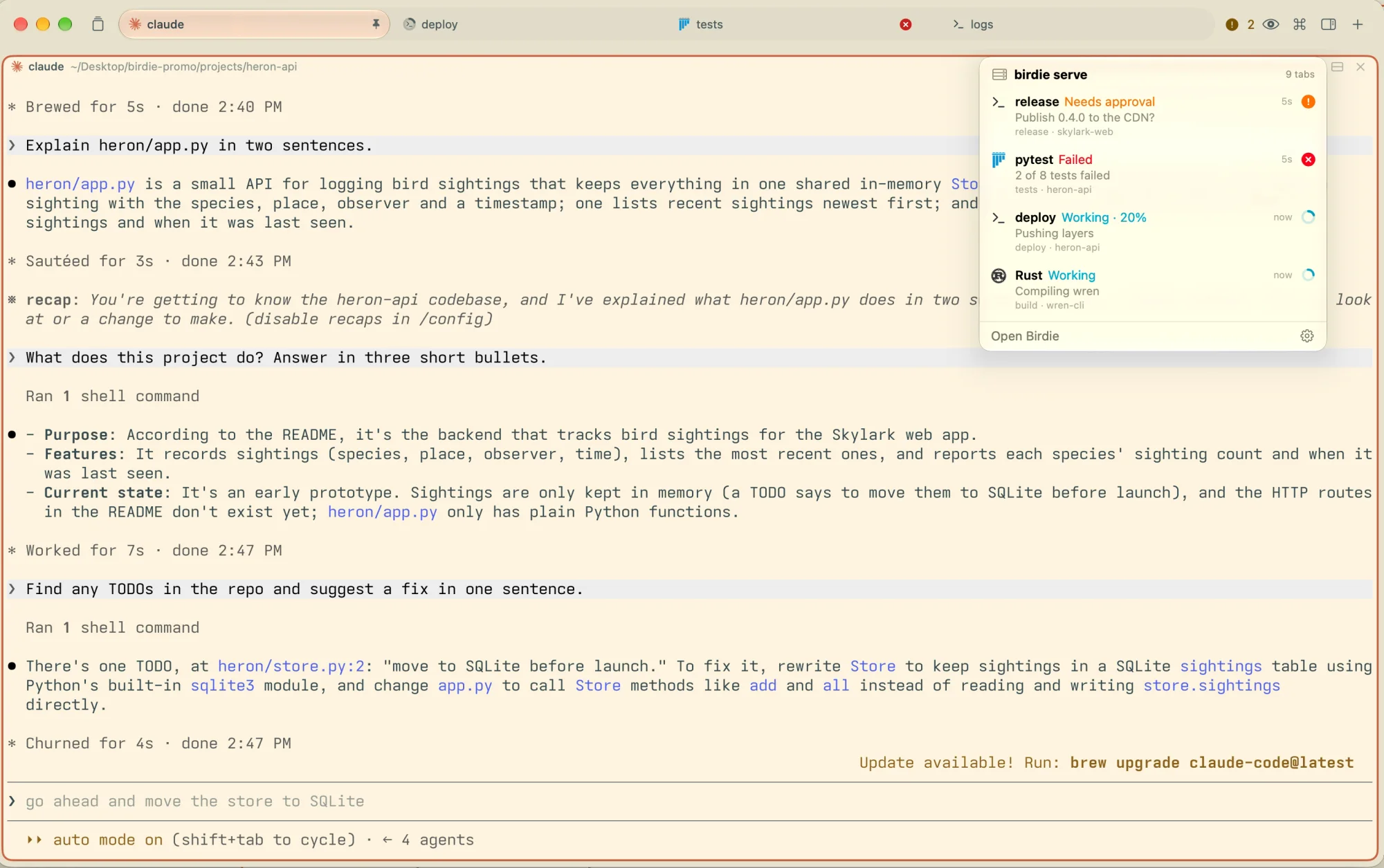
The same list lives in the menu bar for every host you’re connected to. The Dock icon counts what calls for you and fills with your programs’ progress. In the background, alerts arrive as notifications.
details
The cursor moves smoothly as you type and jump, or smears like ink. Or it just jumps, if you prefer.
Scrollback moves with your trackpad pixel by pixel, not a line at a time.
Selections have rounded edges, and a block selection is an Option-drag away. Copying sends a glow around what you took.
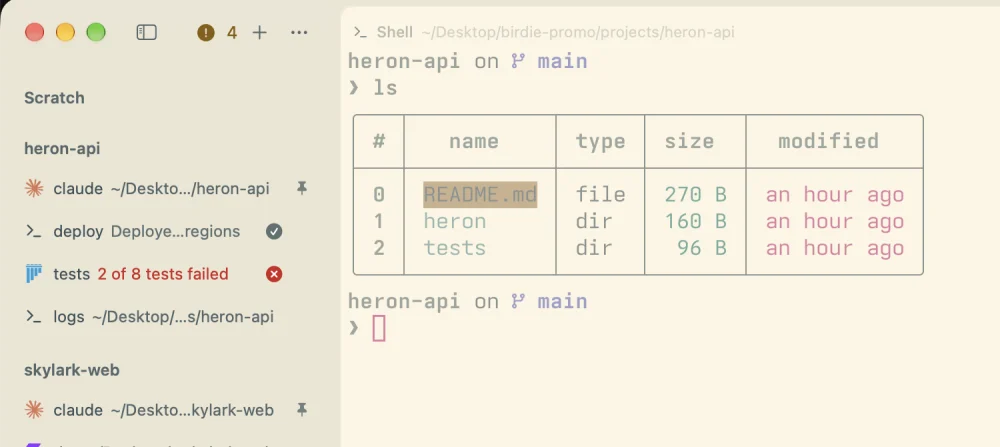
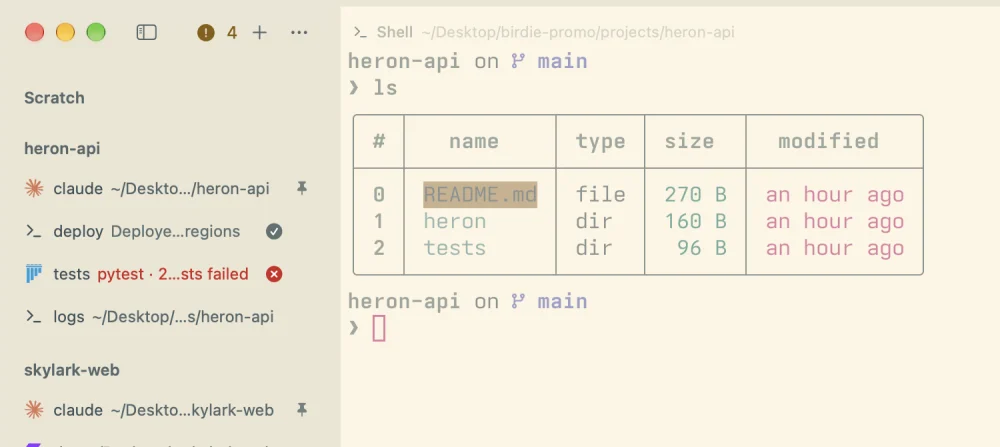
Soft corners on tabs, panes and the window, or crisp square ones, all the way out to the window frame.
birdie api
Your shells live in birdie, a small server that keeps them running when the window
closes. Birdie, Nest and your own scripts are clients of the same public API: make projects and
tabs, type into panes, read their text, watch every event.
# a project for reviewing a pull request
                            project=$(birdie api call project.create \
                            '{"name": "review-142"}' | jq -r .project.id)

                            for name cmd in tests pytest agent claude;
                            do
                            birdie api call tab.create \
                            "{\"project\": \"$project\", \"name\": \"$name\", \"command\": \"$cmd\"}"
done❯ birdie api watch 'project.*' 'tab.created'
{"event":"project.created","data":{"project":{"name":"review-142", …}}}
{"event":"tab.created","data":{"tab":{"id":"t13","name":"tests",
…}}}
{"event":"tab.created","data":{"tab":{"id":"t14","name":"agent",
…}}}
birdie lsevery pane, what runs in it and its statusbirdie sendtype into a pane without taking it overbirdie captureprint a pane’s text and scrollbackbirdie attachuse any pane from another terminalbirdie pairconnect another Mac or your iPhone over TLS